





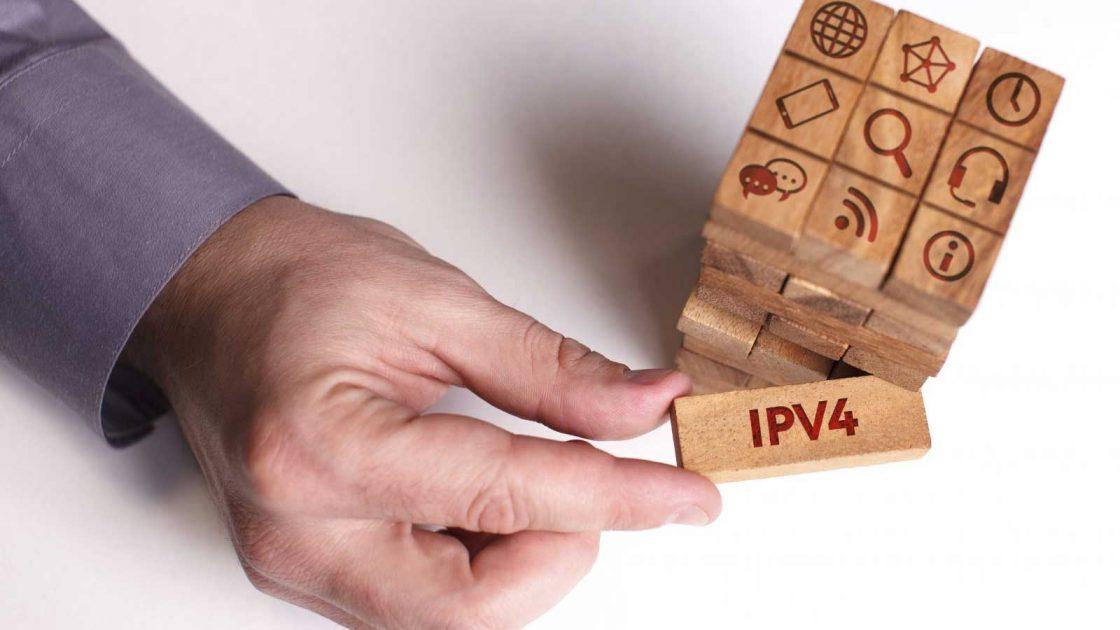
 IPv4 Addresses Guide[/caption]
All IPv4 addresses are shown in four sections separated by dots. Below is a quick look at what these sections represent and why all IP addresses have this in common.
Computers translate everything into their own language to understand what is being communicated to them. These are a combination of zeroes and ones, which is collectively known as a binary system. So every decimal number is broken into a binary number by the computer to read it. For instance, the number 255 is 11111111 in binary form.
Every binary number has eight numbers, which are called "bits" in the binary system. All IPv4 addresses are made up of 32 bits. So an IP address that shows up as 76.240.249.145 on your screen will be subdivided into four 8-bit parts by the computer, known as octets, and the same will be read as 01001100.11110000.11111001.10010001
All IPv4 addresses are divided into two groups to define your network and your computer identity (host). If you have multiple devices connected to the network at your home, you can see the same network ID but different host IDs for each. Generally, the first two parts represent the network ID and the last two the host ID. However, it is not necessary that all IPv4 addresses follow the same standard. Sometimes, the network ID could be one, two, or three parts of the IP address, and the host ID will be the remaining part(s).
[caption id="attachment_2877" align="alignright" width="300"] Class A network [/caption]
Regardless of how the parts are divided, the entire structure denotes your Class of network to which the IP address is associated. For instance, if only the first part of the IP address defines the network ID, then your device will be connected to a Class A network. On the other hand, if your network ID comprises of the first two parts of the IPv4 address, then it will refer to a Class B network. Likewise, if your network ID is defined by the first three parts of the IP address, then it means your device is connected to a Class C network.
Class A network is the biggest one and can have millions of hosts connected to it. Class B networks are smaller in comparison and can accommodate up to around 65,000 hosts. On the other hand, a Class C network can have only up to 254 hosts, although there can be various Class C networks.
To put in briefly, an IPv4 address is made up of an octet that represents your network provider and your device ID. The reason for dividing it into four sections is to identify the Class of the network. This helps to break your IP address into binary form and locate your device to transmit and receive data from the internet.